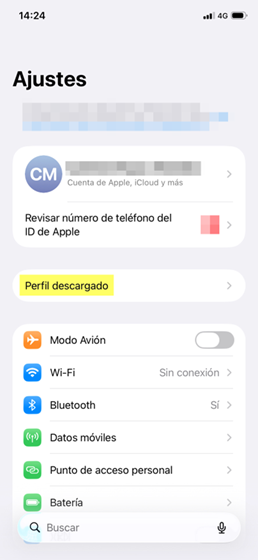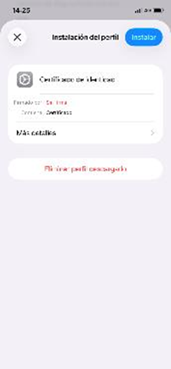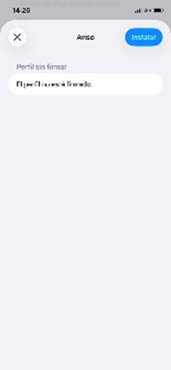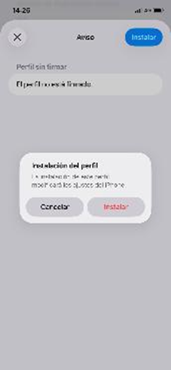

Before you start:
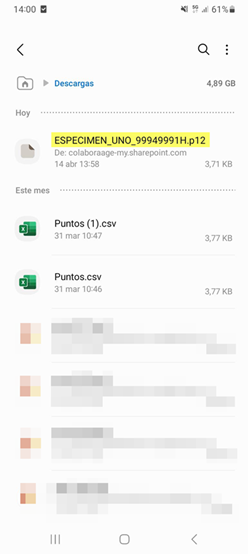
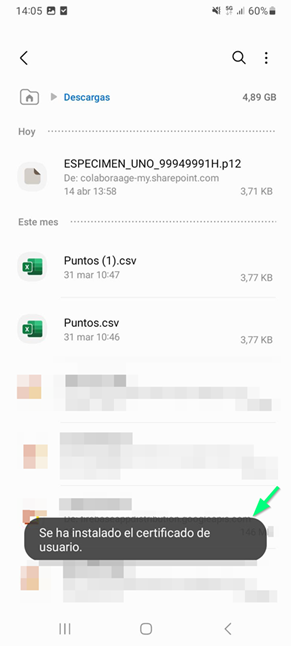
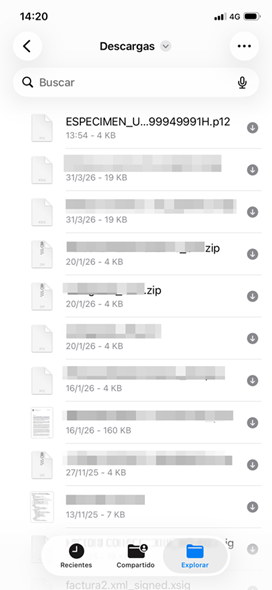
- You need the certificate file (usually .p12 or .pfx), issued by the certification authority. (Other guides from the Public Administration explain how to request a certificate if you don't already have one, for example, on the FNMT website).
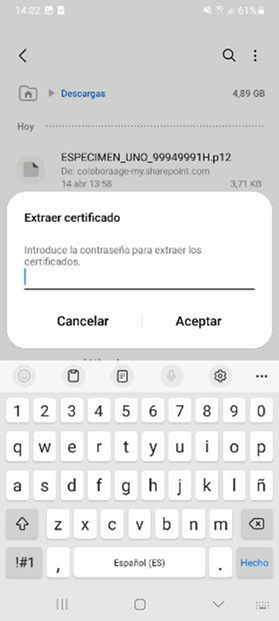
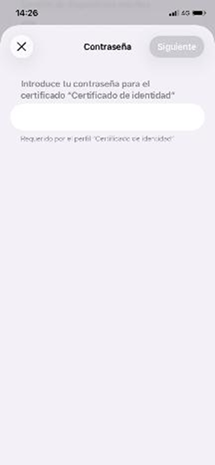
- You must know the password you assigned when exporting or downloading the certificate.
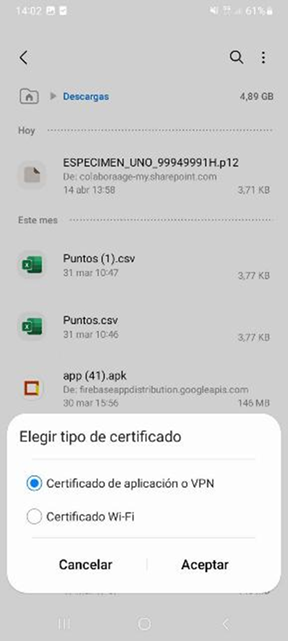
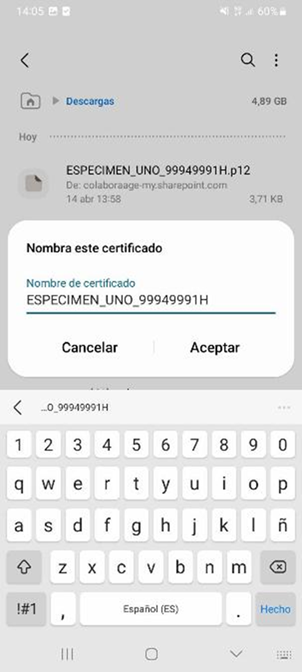
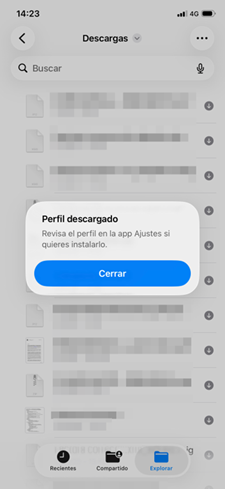
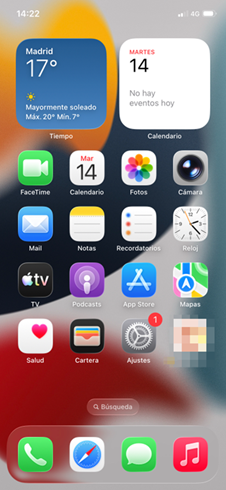
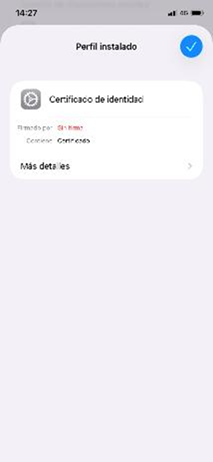
- The installation process is very similar in all recent and older versions of Android and iOS, although you might notice slight variations in the following steps.
Important notices:
- Do not share your certificate or password with anyone.
- Back up your certificate.
- Si cambias de móvil, tendrás que volver a instalarlo.